Kickstarter and Shopify Are Closing the Gap Between Crowdfunding and Fulfillment

Written byJasmine KhachatryanMarketing Writer & influencer marketing specialist
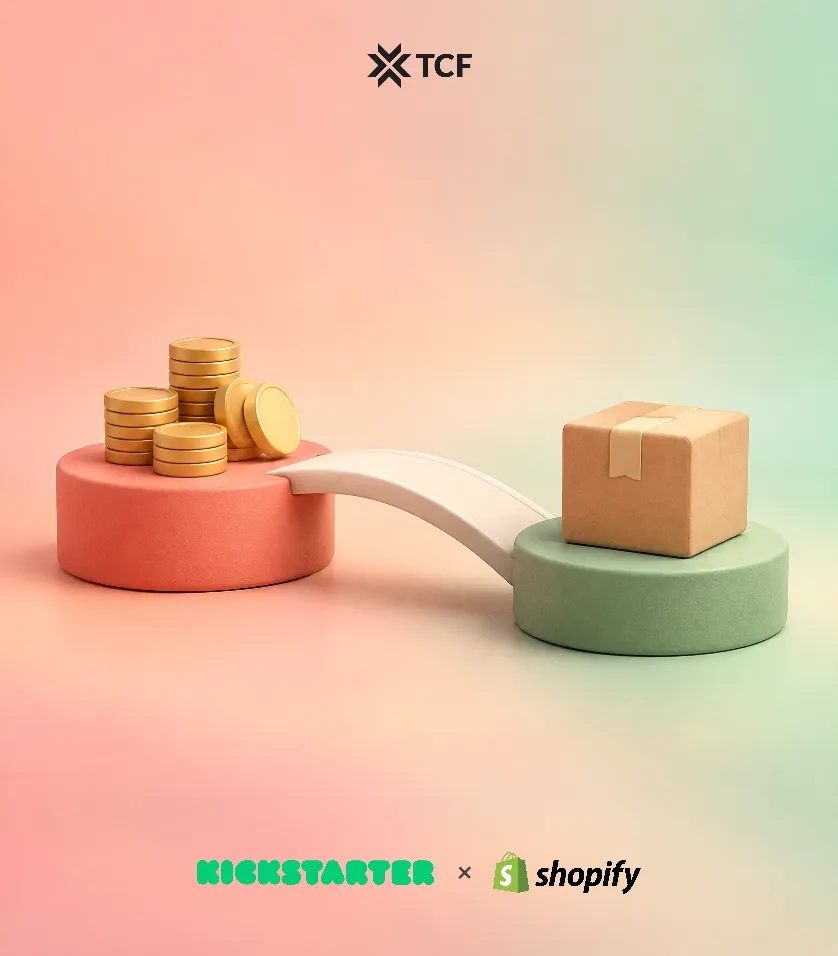
Once a Kickstarter campaign ends, creators still have to turn hundreds or thousands of pledges into orders they can fulfill. That often means exporting backer data, matching rewards to products, uploading CSV files, and checking orders by hand before shipping. Every extra step adds room for errors, delays and extra fulfillment costs.
Kickstarter has introduced an official Shopify app to simplify this process. The integration connects Kickstarter’s Pledge Manager with Shopify. It sends finalized backer orders to a Shopify store automatically and sends shipment tracking back to Kickstarter.
The app is free and works on every Shopify plan, from Basic to Plus. Creators who already manage inventory and fulfillment through Shopify can now handle Kickstarter orders in the same workflow.
What Does the Kickstarter Shopify Integration Do?
The official Kickstarter Shopify app connects backer orders to a creator’s existing Shopify catalog and fulfillment setup.
Its main features:
- Automatic order sync. Finalized orders from Kickstarter’s Pledge Manager go to Shopify and appear alongside regular store orders.
- Reward and product mapping. Creators match Kickstarter reward variants to existing Shopify products and variants.
- Flexible order syncing. Orders can go over all at once or in backer segments, so creators can fulfill in batches.
- Automatic tracking updates. When a creator or fulfillment partner adds tracking in Shopify, it syncs back to Kickstarter and backers can see it.
The integration keeps order details intact. Rewards, add-ons, shipping and taxes appear as separate line items, and the order total matches what the backer paid.
Because the orders land in Shopify, creators can keep using their current Shopify apps, reporting tools and fulfillment workflows.
How to Connect Kickstarter to Shopify
Setup takes four steps:
- Connect your Shopify store. On your Kickstarter Pledge Manager overview page, choose “Configure Shopify sync” and install the Kickstarter app from the Shopify App Store. You’ll need Shopify admin access.
- Match your SKUs. Match your Kickstarter reward variants to Shopify products by SKU. SKUs must match exactly, including capitalization. If your Shopify SKUs can’t be changed, you can edit them on the Kickstarter side during setup.
- Create a segment and schedule the sync. In the Backer report, create a Segment of the backers whose orders you want to send, then choose “Schedule sync to Shopify.” Kickstarter recommends syncing a small test segment first.
- Fulfill orders through Shopify. Process and ship orders with your existing fulfillment setup. Tracking goes back to Kickstarter automatically.
Once it’s set up, you no longer need to export order data and upload it to Shopify by hand. Kickstarter’s setup guide covers each step in more detail.
Important Things to Know Before Syncing Orders
A few details affect how you plan fulfillment and read your reports.
1. Backers have 48 hours to update their shipping addresses. When you schedule a sync, Kickstarter tells backers they have 48 hours to change their shipping address. Orders reach Shopify only after that window closes, so build it into your fulfillment dates and keep backers informed about when to expect shipping.
2. Item prices are a share of what the backer paid, not retail prices. For each reward and add-on, Kickstarter splits the amount the backer paid across the items inside it, so those item prices add up to what was paid. Free items show as $0. Product-level revenue in Shopify may therefore differ from your regular retail prices.
3. SKU changes don’t carry over. Changing a SKU in Kickstarter doesn’t change it in Shopify. Finalize your SKU structure before you map rewards to avoid sync problems.
4. Switching Shopify stores requires a new setup. You can pause and resume the sync. To move to another Shopify store or remap SKUs, you need to disable the sync and set it up again.
5. The integration works through Kickstarter’s Pledge Manager. The app connects directly to Kickstarter’s own Pledge Manager. If you use a different pledge management platform, check whether it offers its own Shopify integration.
Why the Kickstarter Shopify Integration Matters for Crowdfunding Creators
Fulfillment is one of the most demanding stages of a crowdfunding campaign. After months of building a product, finding backers and running a successful launch, creators still need to process orders accurately and deliver rewards on time.
Moving data by hand makes this harder than it needs to be. In a testimonial on Kickstarter’s app launch page, Jennifer Lee, Chief of Staff at Misen, says manual uploads once cost the company $3,000 in duplicate shipments.
“Fulfillment used to be the hardest part and now it’s the easiest,” she said.
Peak Design founder Peter Dering, quoted on the same page, described how the two platforms fit together: “Kickstarter continues to be where we launch things, but Shopify is where we scale things.”
The new integration supports that approach by connecting campaign fulfillment to the ecommerce setup many creators already run their business on, which makes the move from crowdfunding to ecommerce smoother.
If you’re planning a Kickstarter campaign, set up your product catalog and SKUs before launch. Rewards that already match your Shopify products make the move from campaign to fulfillment much easier.
Funding may close when the campaign ends, but fulfillment is where the customer experience continues. Connecting Kickstarter to Shopify gives creators one less manual process on the way from crowdfunding to delivering products.