

Email marketing usually “works.”
That’s exactly why it’s hard to tell when the setup stops working well.
As ecommerce teams scale, email systems pick up friction. Dashboards feel harder to trust. Segments stack on top of old logic. Small changes take more time and more caution than expected.
Email continues to drive revenue, yet operating it demands more effort. The platform starts shaping decisions instead of supporting them.
That shift usually signals a stage change. This article is written for that stage, when tool choices start affecting workflows, reporting, and growth pace for the next year or two.
We’ll walk through where most ecommerce email stacks start to strain, how scaling teams actually use email in 2026, and which operating models hold up once list growth, lifecycle complexity, and revenue pressure increase.
The goal is to help you evaluate fit early, before switching turns into an expensive, high-risk project.
[[cta5]]
The Point Where Most Ecommerce Email Stacks Start to Strain
There’s a point where a previously ‘good enough’ setup becomes costly to maintain.
- The list grows faster.
- Flows multiply past the original handful.
- SMS, ads, and email start overlapping.
- Reporting raises more questions than it answers.
Everything still works. It just takes more effort than it used to.
Segments pile on top of old logic. Flows get patched instead of redesigned because touching them feels risky. Small changes require more checking, more caution, and more context than anyone wants to admit.
This is where email starts behaving less like a channel and more like infrastructure.
And infrastructure needs to hold up under load.
It needs to stay coherent as complexity increases. When the platform cannot do that cleanly, teams pay for it in slower execution, fragile logic, and decision fatigue.
Most teams respond by doing more. More flows. More rules. More tools layered on top.
The better question at this stage is simpler: Does the system still support how the team operates now?
Best Email Marketing Tools Feature Comparison (2026)
How Scaling Ecommerce Teams Actually Use Email in 2026
As ecommerce teams scale, they start using email in noticeably different ways.
Those differences come from how the business operates day to day, how much revenue depends on lifecycle marketing, and how much complexity the team is willing to manage. None of this shows up in feature lists, yet it shapes almost every tooling decision.
This is where a lot of advice falls apart. Email platforms get compared as if teams run email the same way. In practice, tool fit depends far more on how email is used inside the business than on individual features.
Model 1: Revenue-First Ecommerce Engines
This model shows up in teams where email carries real revenue responsibility.
- Email drives 25–40% of total revenue
- 60%+ of email revenue comes from flows, not campaigns
- You have 10+ active automations
- You maintain 50+ behavioral segments
- You actively suppress unengaged profiles
- You review flow-level revenue weekly
Decisions in this model revolve around one question: Is email pulling its weight?
Segmentation is behavioral and commerce-driven. Purchase history, browse activity, product affinity, and timing matter more than audience labels. Reporting needs to answer revenue questions clearly.
This model works best when the tool stays close to the store and treats ecommerce data as first-class input.
What this model optimizes for
- Revenue attribution tied directly to ecommerce activity
- Fast iteration on lifecycle flows
- Clear visibility into what email contributes to growth
Tools that fit this model
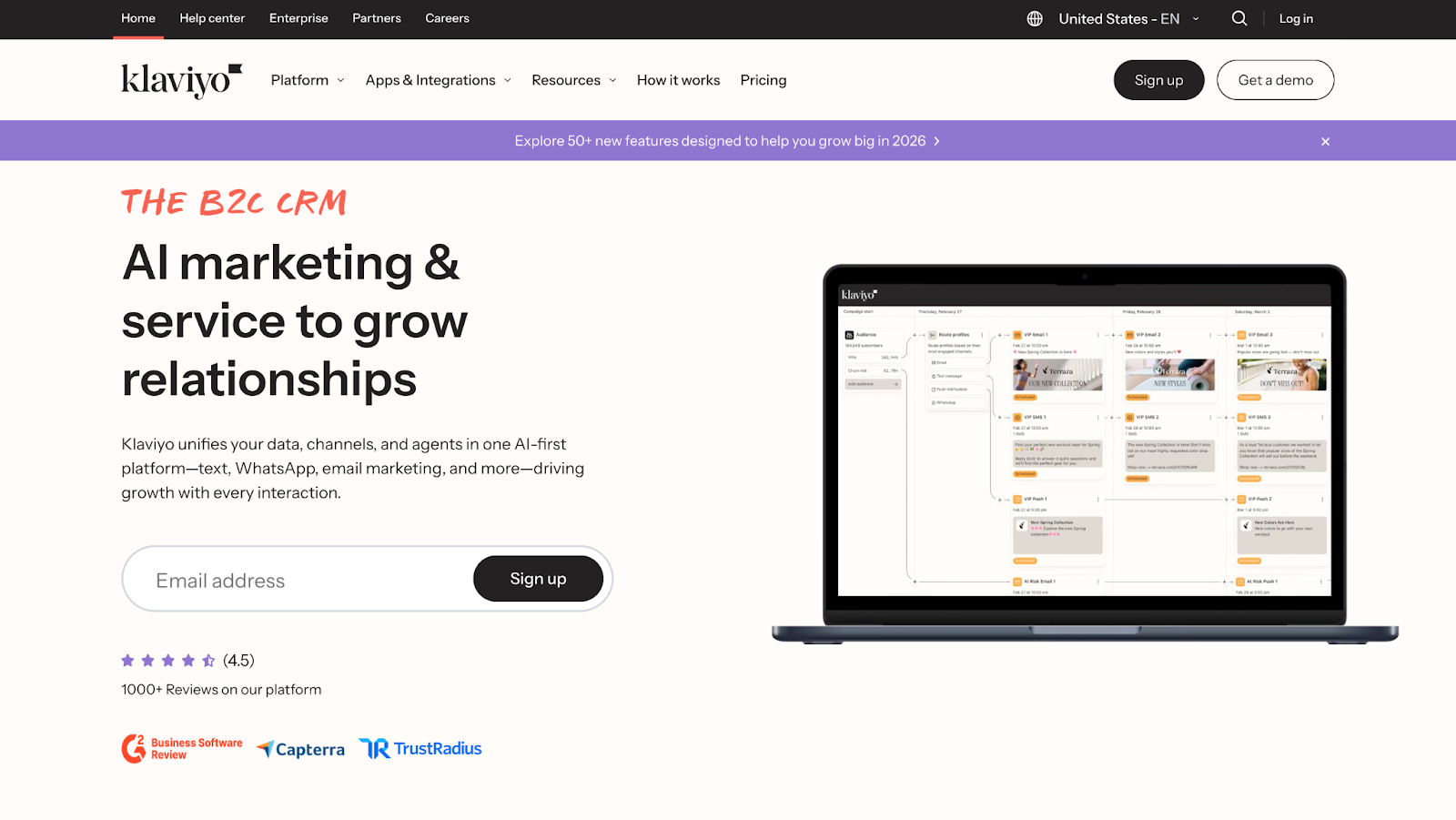
1. Klaviyo
Klaviyo fits this model because it treats ecommerce behavior as the main character.
Purchases, browse activity, checkout starts, time between orders. If it happens in the store, Klaviyo wants to use it.
Revenue Visibility and Segmentation:
That payoff comes quickly. Most teams connect Shopify, turn on a few core flows, and email revenue suddenly becomes easy to read.
Abandoned browse.
Abandoned cart.
Post-purchase.
Winback.
You can see which flows actually move money and which ones are just emotionally supportive. For many ecommerce brands, email lands around 25-40% of total revenue once those basics are live, which explains why Klaviyo often becomes the retention reference point.
Segmentation is the main draw. Product-level targeting, category splits, repeat vs one-time buyers, high spenders, predicted LTV, churn risk. All native. No duct tape. This is why Klaviyo feels “built for Shopify” instead of adapted to it.
Where Friction Appears:
As lists grow, the same friction shows up almost everywhere.
At roughly 30k-50k contacts, segmentation sprawl starts to creep in. Segments overlap, flows stack, and some logic quietly outlives its usefulness. The platform still performs well, but cleanup becomes a real job.
Pricing usually gets serious between 50k and 100k contacts, where monthly costs often land between $700 and $1,500, depending on email volume and SMS usage. If list growth outpaces engagement quality, the cost curve gets loud fast.
Scale and Ideal Fit:
From a scaling standpoint, Klaviyo handles 250k+ contacts cleanly when teams keep lifecycle logic tight and suppress inactive profiles. Deliverability holds up, dedicated domains become normal, and predictive metrics like expected next order date actually help targeting.
Klaviyo works best when:
- Email clearly owns retention and repeat purchase
- Shopify or headless ecommerce is the core stack
- Revenue visibility matters more than a minimal interface
- Someone is responsible for lifecycle hygiene
Klaviyo works. It scales. It gets expensive. It does not hide the consequences of messy lifecycle logic. Teams that treat email like revenue infrastructure tend to defend it loudly, while the ones that treat it like a dumping ground tend to complain louder.
2. Drip
Best for: teams that want a revenue-focused setup with slightly more control over logic and workflows.
Model Fit and Automation Philosophy:
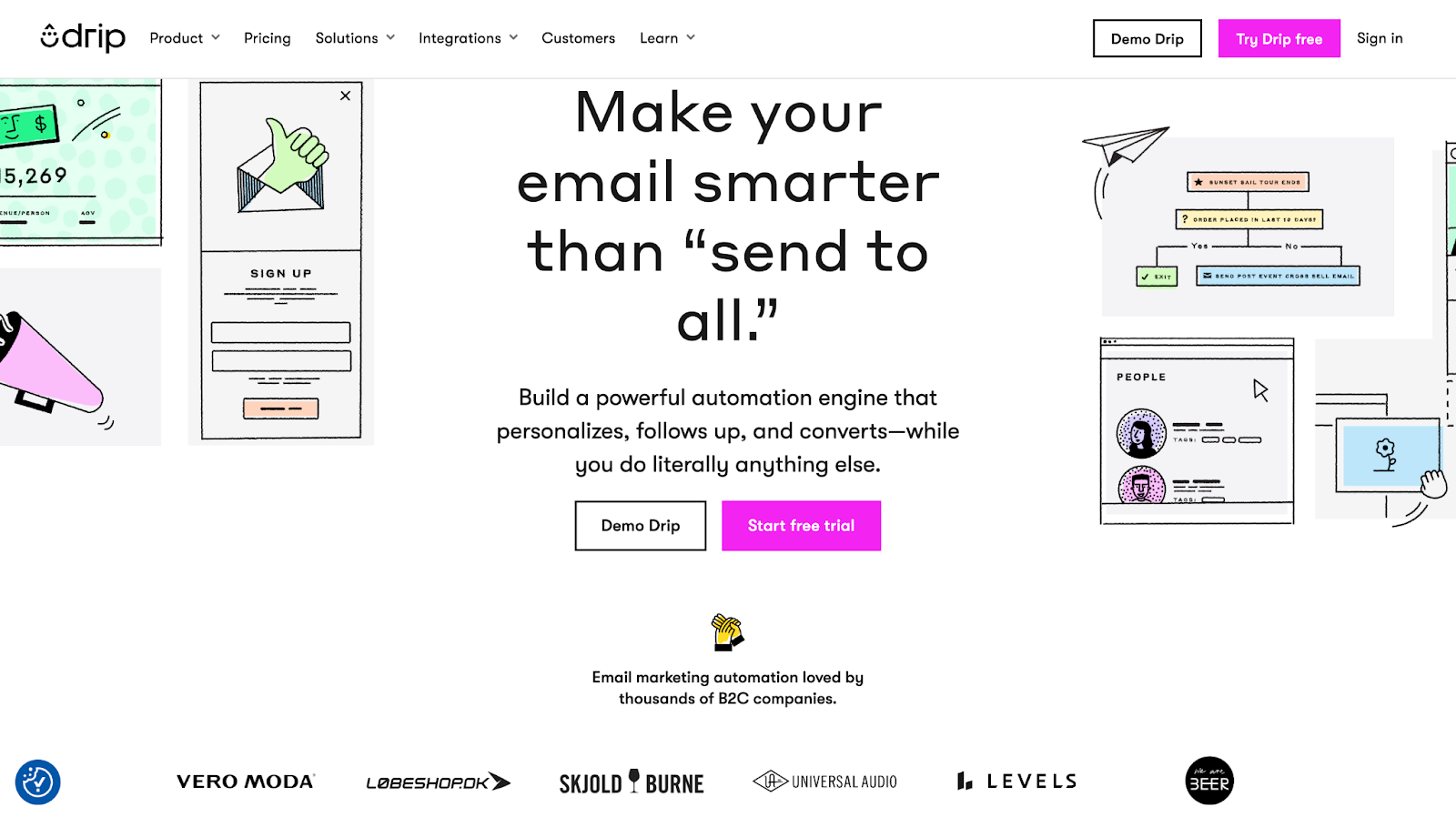
Drip revolves around customer events and tags. Purchases, product views, cart activity, custom events, all of it feeds directly into workflows. The automation builder is flexible and readable, which is often called out as the reason teams enjoy working in it day to day. You can build clean, logic-heavy flows without feeling like you are fighting the interface.
Teams usually notice the payoff once they move past basic flows. Drip handles multi-step lifecycle logic well, especially for brands that want tighter control over timing, branching, and audience rules. It is common to see Drip used by stores that care deeply about repeat purchase paths, subscription logic, or more opinionated lifecycle design.
Segmentation and Control:
Segmentation is powerful, but less plug-and-play than Klaviyo. You can absolutely build deep segments, but you will spend more time defining rules and maintaining them. Some teams like that. Others miss the instant gratification.
Pricing Dynamics:
Pricing is one of the reasons Drip shows up as a Klaviyo alternative. Costs scale more gently at mid-range list sizes, which matters when engagement quality is strong but lists are growing steadily. That said, Drip still expects you to be intentional. Messy tagging and unused automations create the same long-term drag as anywhere else.
Scale and Ideal Fit:
Operationally, Drip scales comfortably into the tens of thousands of contacts for ecommerce brands that know what they want their lifecycle to do. Deliverability is solid, reporting is clear, and revenue attribution works well enough to keep email accountable without turning analysis into a side quest.
Drip works best when:
- Ecommerce revenue matters, but teams want more control than defaults
- Lifecycle logic is intentional and actively maintained
- Shopify or WooCommerce is the core platform
- Someone enjoys building systems, not only launching campaigns
Drip rewards teams that like to design their lifecycle instead of inheriting it. When that mindset is there, it stays calm, capable, and surprisingly efficient as things scale.
Model 2: Omnichannel Operators
This model shows up in teams where email is part of a bigger coordination problem.
- You send 3–5 campaigns per week
- SMS contributes 10–20% of promo revenue
- Campaign revenue exceeds flow revenue
- Your calendar is planned 4–6 weeks ahead
- You care about execution speed more than branching depth
Flows handle the essentials like welcome, abandonment, and post-purchase. Campaigns do the heavy lifting during promos, drops, and seasonal pushes. Performance is checked often, but decisions stay practical. What can we ship fast, what can we reuse, and what is slowing us down.
Decisions in this model revolve around one question: Can the team move together without friction.
Segmentation stays broad and behavior-led. Purchase activity, engagement, and recency matter more than complex branching logic. Reporting needs to show combined impact across channels.
This model works best when the platform keeps email, SMS, and push tightly connected and removes day-to-day execution drag.
What this model optimizes for
- Fast, coordinated omnichannel execution
- Repeatable promo workflows
- Revenue consistency without heavy ops overhead
Tools that fit this model
3. Omnisend
Best for: teams that want to ship without thinking too hard about the plumbing.
Model Fit and Execution Style:
Email, SMS, push, promos. They all live in the same place, on the same calendar, using the same logic. You do not need a system diagram to explain what went out yesterday. That alone wins it a lot of fans.
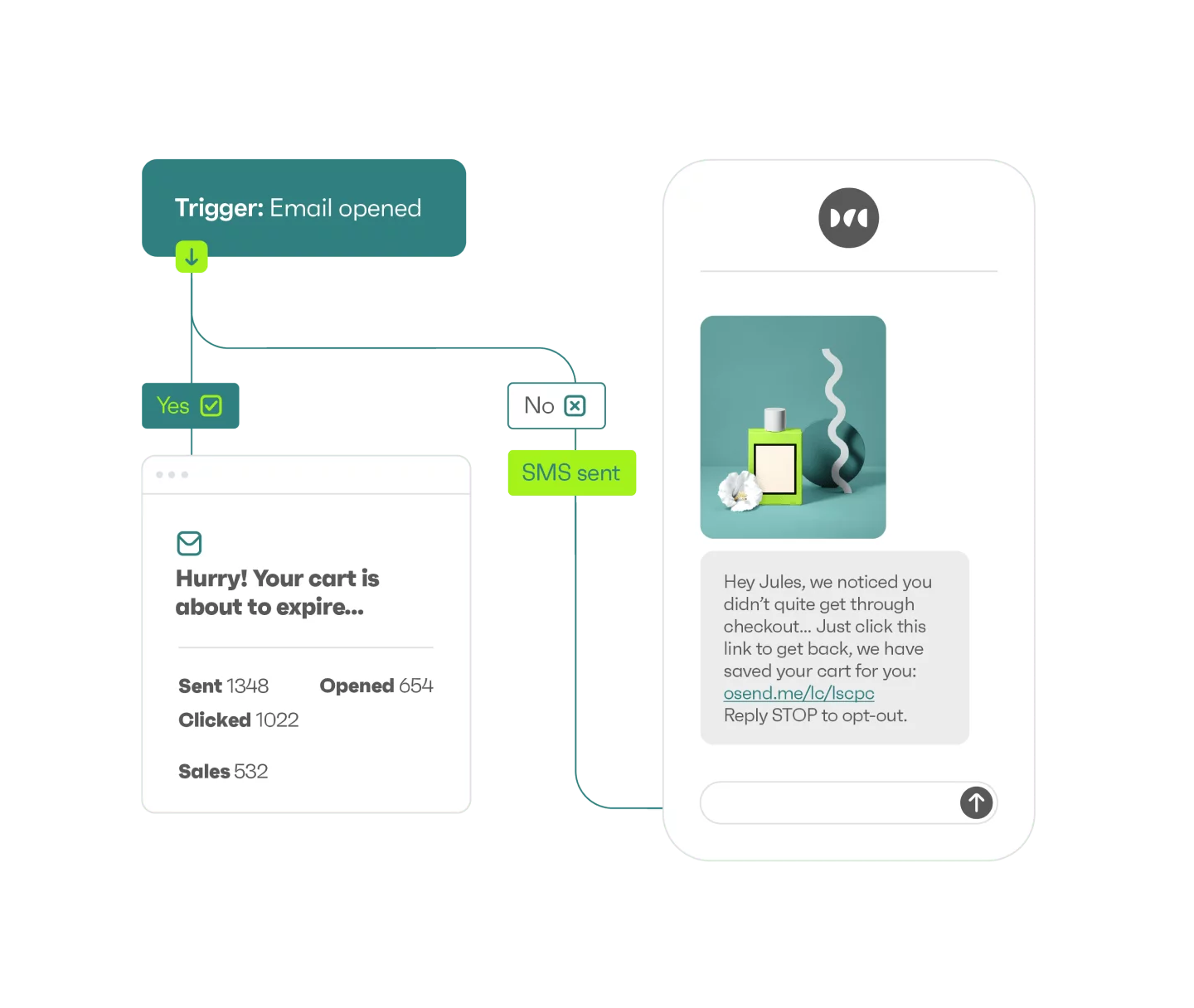
The first experience is usually relief. Shopify connects. Default flows turn on. Welcome emails go out. Abandoned carts get nudged. Promo blasts hit email and SMS together without someone copying segments across tools at midnight. Nothing feels impressive, which is exactly why it works during busy weeks.
Simplicity and Guardrails:
It stays intentionally plain. Purchase history, engagement, recency, campaign interaction. Enough to stay relevant, not enough to spiral. It’s quite “hard to mess up,” which sounds faintly insulting until you have lived through a promo week where everything breaks.
It covers the ecommerce basics cleanly. Flows are easy to read, easy to adjust, and very hard to overengineer. That keeps teams fast during launches and sales, but it also defines the ceiling. When marketers start asking for very specific branching logic or deep lifecycle experiments, Omnisend starts feeling small.
Pricing Position:
Pricing is one of its biggest pull factors. Once SMS is part of the mix, Omnisend often feels noticeably cheaper than Klaviyo at mid-range list sizes. This shows up constantly in switching threads. Not because Omnisend does more, but because it does enough without punishing volume.
Scale and Ideal Fit:
Operationally, it stays steady. Deliverability behaves. Reporting answers promo questions without turning into a forensic exercise. The platform does not surprise you, which is a feature.
Omnisend works best when:
- Speed and coordination matter more than precision
- Promos drive a large share of revenue
- The team wants fewer decisions
Omnisend feels like the tool you stop arguing about internally. It may not excite anyone, but it quietly keeps the calendar moving, and that is often the real win.
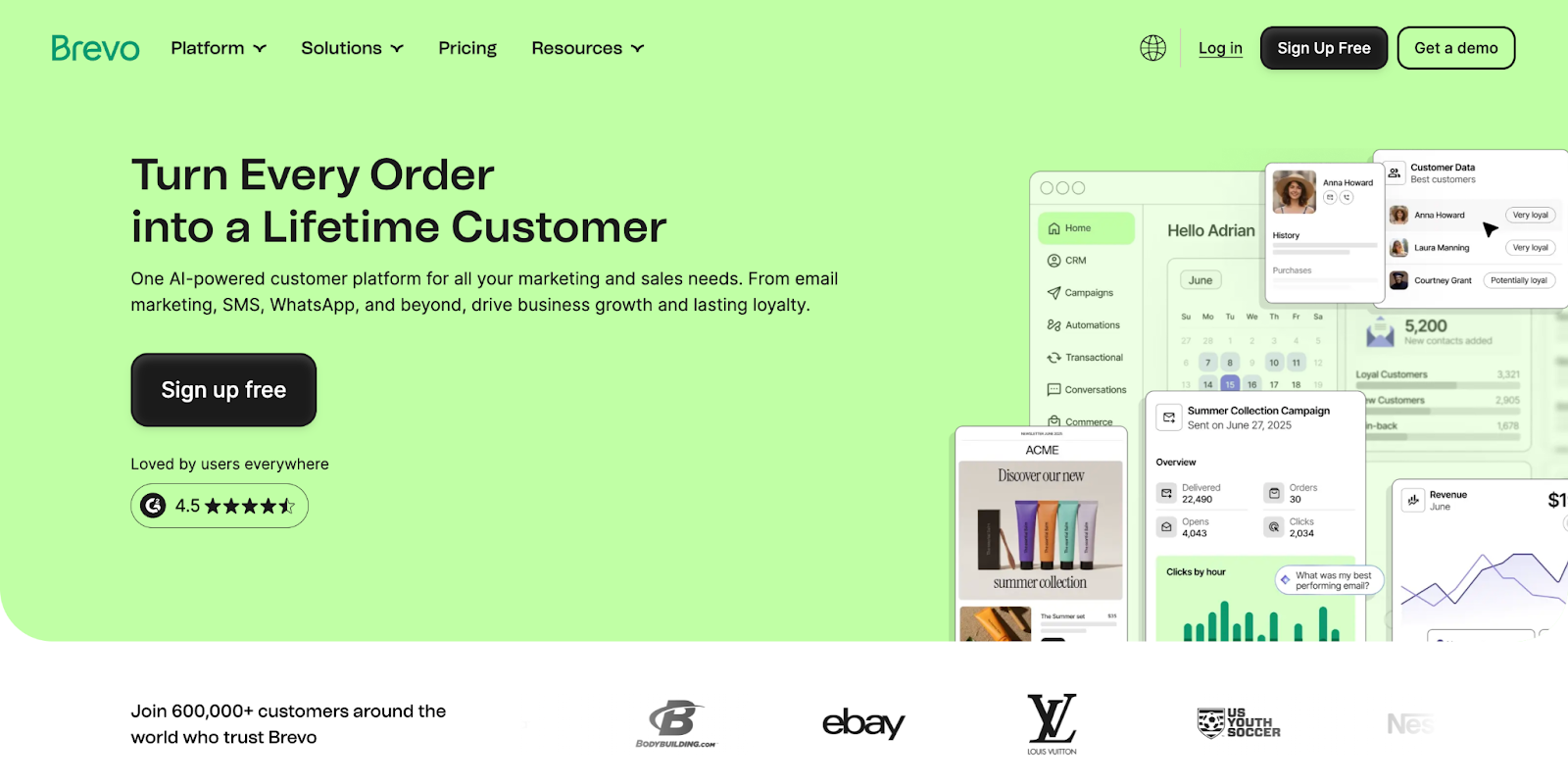
4. Brevo
Best for: teams managing high send volume who care more about pricing logic than lifecycle artistry.
Pricing Model and Positioning:
Email volume is climbing. Lists are growing fast. Promo cadence is aggressive. Someone opens the ESP bill and says, “We need to talk.” That’s usually when Brevo enters the conversation.
Brevo runs on send volume, not contact count, and that single decision shapes how teams experience it. You can grow your list without immediately feeling punished for it. For brands sending frequent promos, transactional emails, and follow-ups, that pricing model alone can be a relief.
Day-to-Day Operation:
Day to day, Brevo feels practical. Email, SMS, WhatsApp, transactional messages, all in one place. You build campaigns, you schedule them, they go out. The automation builder covers the basics well enough for welcome flows, post-purchase sequences, and promo follow-ups, without encouraging overdesign.
Segmentation works, but it is not the star of the show. You can target by behavior, engagement, and attributes, but this is not a tool built for deep lifecycle artistry. Brevo is more reliable rather than inspiring. It does the job and rarely surprises you.
Scale Behavior:
Where Brevo really earns its keep is at scale. High send volume, fast list growth, multiple channels, and transactional traffic all coexist without the platform getting dramatic about it. Deliverability is generally solid, especially for transactional and order-related messaging.
Tradeoff and Ideal Fit:
The tradeoff shows up when teams want nuance. Advanced branching logic, predictive metrics, and fine-grained lifecycle experiments start to feel awkward. Brevo can support growth, but it does not want to be your retention brain.
Brevo works best when:
- Send volume matters more than contact count
- Promo-heavy calendars drive revenue
- Cost predictability is a priority
- Email and transactional messaging live together
So, it works fine for high-volume sending. Pricing makes sense. It starts to feel limiting once you want more control.
Model 3: Automation Power Tools
This model shows up in teams that want control more than shortcuts.
- You diagram flows before building them
- You run multi-branch winback logic
- Subscription or upgrade paths require condition stacking
- You use 5+ tags or attributes inside single workflows
- You care about path sequencing precision
Flows do most of the work, but they are rarely simple. Automations stretch across behaviors, tags, content, and sometimes non-ecommerce actions. Campaigns exist, but they play a supporting role. The real value sits in how well the machine runs on its own.
Decisions in this model revolve around one question: Can we design this once and trust it to behave correctly.
Segmentation is deliberate and often manual. Reporting matters, but clarity of logic matters more.
This model works best when teams value precision, ownership, and flexibility over speed.
What this model optimizes for
- Deep automation logic and branching
- Custom lifecycle paths
- Long-term system control over quick wins
Tools that fit this model
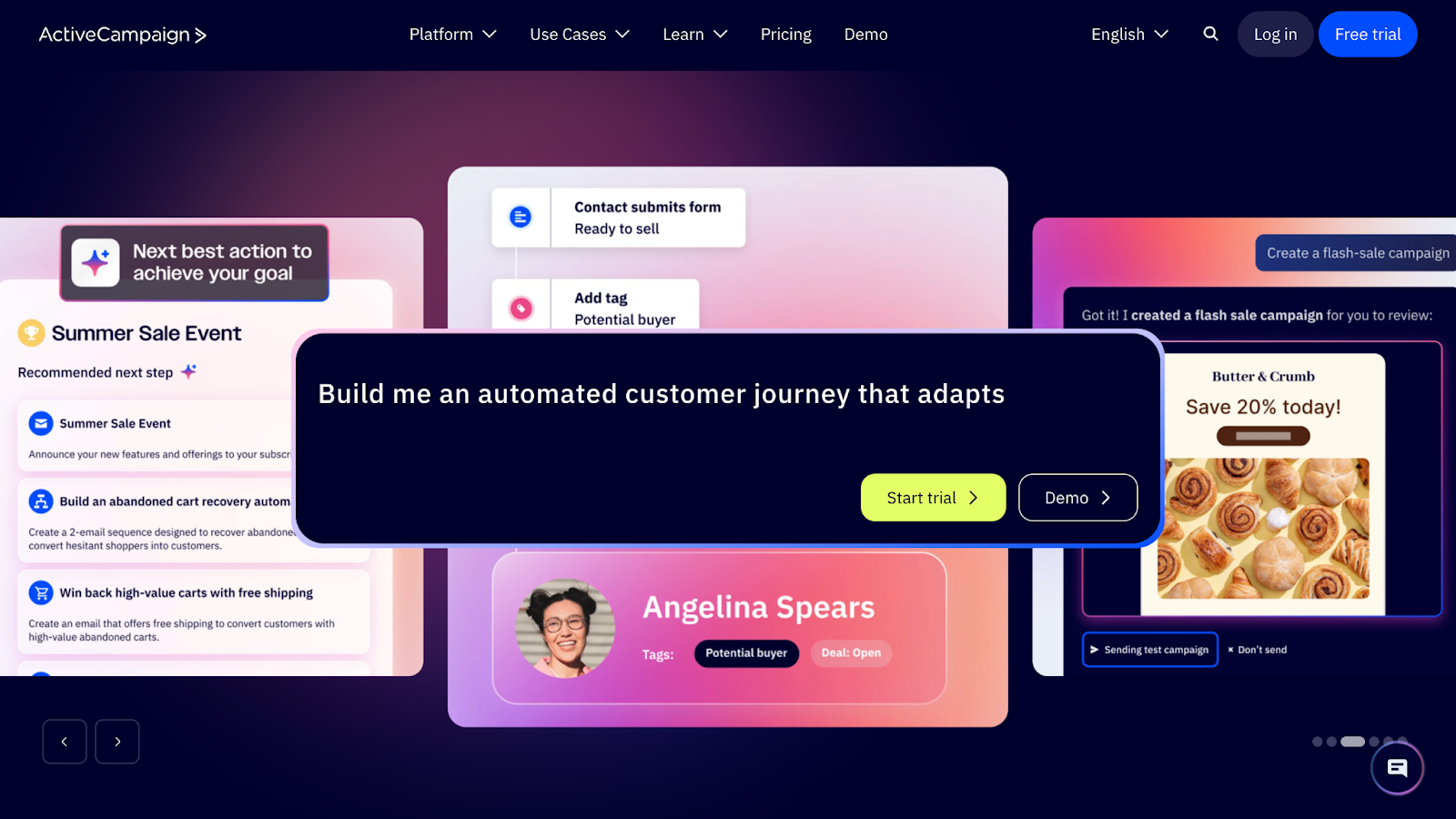
5. ActiveCampaign
Best for: teams that want full control over lifecycle logic and are comfortable managing complex automation systems.
Model Fit and Philosophy:
ActiveCampaign fits this model because it lets you decide exactly how things should behave. Tags, conditions, branching logic, timing rules. If you can describe the lifecycle in your head, you can usually build it here.
Teams pick ActiveCampaign when ecommerce shortcuts start to feel limiting. You can route customers through complex paths based on behavior, engagement, purchases, content interactions, or combinations of all of it. It’s powerful but demanding. Nothing is hidden, and nothing is automatic unless you make it so.
Automation Architecture:
The automation builder is the core of the product. It is flexible, visual, and very capable, but it expects attention. This is not a platform you set up once and forget. It rewards teams who enjoy maintaining logic and refining systems over time.
Pricing and Operational Tradeoff:
Pricing scales more gently than some ecommerce-first tools at mid-range list sizes. The tradeoff is speed. Launching quickly takes more effort, and mistakes are easier to make if ownership is unclear.
Ideal Fit:
ActiveCampaign works best when:
- Teams want full control over lifecycle logic
- Automation complexity is a feature, not a risk
- Email supports broader funnels or mixed models
So, yes, it's very powerful, and you need to know what you’re doing.
Model 4: CRM-Centered Ecosystems
This model shows up when email stops being a standalone channel and becomes part of a wider revenue system.
- You have sales reps or account managers
- Revenue includes quote-based or assisted sales
- Customer data lives in multiple systems
- Email triggers depend on deal stage or pipeline movement
- Marketing attribution debates happen monthly
Flows exist, but they are rarely ecommerce-only. Automations often span marketing and sales actions. Campaigns are more measured. Fewer promos, more coordination.
Decisions in this model revolve around one question: Does everyone see the same customer story.
Segmentation is CRM-driven. Lifecycle stages, pipeline status, account activity, and relationship depth matter more than product affinity alone. Reporting needs to connect email to revenue across touchpoints.
This model works best when alignment and visibility matter more than speed.
What this model optimizes for
- Cross-team data alignment
- Shared customer context
- Revenue visibility beyond email
Tools that fit this model
6. HubSpot
Best for: organizations where email sits inside a broader CRM and revenue system.
Model Fit and Philosophy:
HubSpot fits this model when email is only one piece of a much larger picture.
Teams land here because they want everything connected. CRM, email, forms, sales pipelines, support tickets, attribution. Email pulls from the same customer record sales and support are using, which removes a lot of internal guesswork.
The experience feels structured. You are working inside a system, not just a sender. Automations exist, but they often tie into lifecycle stages, deal movement, or account activity rather than pure ecommerce behavior. That works well for high AOV products, sales-assisted funnels, or hybrid B2C and B2B setups.
Where It Shines:
Where HubSpot shines is alignment. Reporting makes sense across teams. Handovers feel clean. Fewer arguments about whose data is “right.” HubSpot works best when the organization is ready for it.
Tradeoff:
The tradeoff is weight. Pricing climbs quickly as contacts and features expand. Email execution can feel slower for promo-heavy ecommerce teams, and lifecycle logic is less commerce-native than tools built specifically for DTC.
Ideal Fit:
HubSpot works best when:
- Email sits alongside sales and support
- CRM context matters more than promo speed
- Teams value shared visibility
It’s a great system, but worth it if the whole company uses it.
TCF’s Pick: Klaviyo
For scaling ecommerce brands, we standardize on Klaviyo.
It integrates deeply with Shopify and WooCommerce, instantly pulling in purchase history, browsing data, and customer behavior. That data powers advanced segmentation, like targeting customers based on recent spend, product views, churn risk, or predicted LTV.
Its behavior-based flows, welcome, browse abandonment, post-purchase, winback, respond to actions in real time, keeping lifecycle revenue stable as traffic grows. Predictive analytics, dynamic product recommendations, and strong A/B testing make optimization practical, not theoretical.
Klaviyo also centralizes email and SMS under unified customer profiles, giving teams one clear revenue view.
It does require discipline. Segments and flows need maintenance. But for ecommerce brands where email drives meaningful retention revenue, Klaviyo scales cleanly and keeps performance transparent.
Conclusion
At this point, you’ve seen the pattern.
There isn’t one “best” email platform waiting at the end of a comparison table. There are different ways teams run email once things get real, and different tools that tolerate that reality better than others.
Some teams want email to behave like revenue infrastructure. Some need it to keep promos and channels aligned. Some enjoy building complex logic. Others want email stitched cleanly into a CRM. The tools you choose either support that way of working or quietly fight it.
That’s the whole game.
If a platform matches how your team already operates, it fades into the background and lets you focus on growth. If it doesn’t, you end up compensating with workarounds, meetings, and “we’ll fix it later” logic.
The goal here was simple: help you recognize your model, then choose a tool that doesn’t make you work against yourself.
Once that fit clicks, email stops being a topic and starts being a system.
[[cta5]]



.avif)


.avif)