

CRO used to feel simple. Run traffic, tweak a headline, watch conversions rise. 2026 is bringing a different reality. Ad costs climb, data gets blurrier, and shoppers jump off the funnel the second something feels off. Every click is expensive now, and every drop in the funnel hits harder than it did a year ago.
That leaves most ecommerce teams in the same spot. They know their store could convert better, they feel the leaks in their checkout or PDPs, and they want tools that actually help instead of flooding them with confusing charts.
This article focuses on the tools that deserve a place in your stack. Real recommendations built around what ecommerce stores need in 2026: behavior insights, fast testing, smarter personalization, and performance improvements that matter for mobile first shoppers.
If your funnel feels shaky or you want a setup that finally helps you scale without chaos, keep on reading the rest.
[[cta5]]
What CRO Tools Actually Do for Ecommerce Brands
Most ecommerce teams operate in a low simmer of stress. Traffic costs keep climbing, funnels slip in problems without warning, and bugs surface at the exact moment someone asks for results. CRO tools bring order to that mess.
Here’s exactly how:
Jobs CRO tools handle
CRO tools help ecommerce teams see what is actually happening inside the funnel instead of relying on guesses.
They spot friction points like slow pages, confusing layouts, or broken elements that quietly push shoppers away.
They map real user behavior through scroll depth, heatmaps, session recordings, and funnel dropoff patterns, which makes it easier to understand why people hesitate.
They let you test improvements with controlled experiments so you can confirm what works before rolling it out.
And they personalize the experience by adapting content, recommendations, or layouts to each visitor.
Together, these tools give brands clarity, direction, and a cleaner path to higher conversions.
Why CRO tools in 2026 feel different
The CRO landscape shifted fast.
AI tools now summarize behavior, highlight issues, and recommend experiments, which speeds up decision making for teams with limited time.
Privacy rules reduced access to clean data, so CRO platforms stepped in with stronger first party tracking and server side event handling to restore visibility.
Better signal quality means ad algorithms perform more reliably and A/B tests reach significance faster.
At the same time, rising mobile expectations made traditional desktop focused insights less useful. CRO tools built for 2026 put mobile behavior at the center, revealing issues that only appear on small screens and helping brands create smoother, more intuitive mobile journeys.
How to Choose the Right CRO Tools for Your Ecommerce Store
Choosing CRO tools can get overwhelming fast, especially when every platform claims to fix your entire funnel in a week. The goal here is to build a stack that supports your optimization strategies and to try not to grab whatever looks shiny in the app store.
Here’s what to consider before (trigger warning) jumping head first:
Your traffic level
A/B tests only work if you have enough traffic to reach significance.
If your store sees steady daily sessions, full experimentation tools make sense.
If traffic is lighter, skip heavy testing platforms and lean on tools that surface qualitative insights fast: heatmaps, session recordings, simple funnel reports, and on site surveys. These show you what is breaking without waiting weeks for data.
Match the tool to the volume you actually have so you only pay for features that will produce real outcomes.
Your tech stack
Your platform decides what will plug in cleanly.
Shopify offers the easiest integrations, automatic tracking, and the widest CRO app ecosystem. If your store leans heavily on shopify marketing automation to drive retention, choose CRO tools that sync cleanly with your data and event structure.
WooCommerce can support the same work but usually needs more setup.
BigCommerce and Magento users should prioritize tools with native connectors to avoid custom fixes.
If you run a headless build, choose tools with strong APIs or server side testing options.
A tool that fights your stack or slows your site isn’t a CRO upgrade, it’s a sign that you haven't read this properly.
Your team size
Solo operators need tools that simplify. Visual editors, lightweight heatmaps, automated insights, and tools that reduce manual analysis work best.
In house teams can take on more advanced platforms with shared dashboards and structured experimentation workflows.
Agencies managing multiple stores need flexible reporting, clean client switching, and toolsets that work across mixed tech stacks.
Pick tools your actual team can operate consistently so nothing sits unused.
Your budget and approval process
CRO stacks get expensive fast, so focus on essentials.
Choose tools that help you identify friction, understand behavior, and confirm what works. Cut overlaps, avoid apps that duplicate tracking, and skip anything built on hype instead of clear use cases.
If you need internal approval, frame tools around revenue impact, time saved, and specific problems they solve.
Lean stacks are cheaper, faster, and cleaner for site speed. Excess tools only create noise.
Your biggest conversion leaks
Tool decisions should target the leaks inside your funnel.
Navigation issues call for heatmaps, scroll depth, and behavior analytics.
Weak product pages need on site surveys, session recordings, tighter product page optimization and testing platforms.
Slow load times require performance monitoring and mobile focused insights.
Checkout issues call for form analytics and replay tools.
Trust gaps need review widgets, social proof, and post purchase feedback.
When your stack aligns with real bottlenecks, every tool pushes conversions in the right direction.
The Best CRO Tools for Ecommerce in 2026
Best A/B Testing and Experimentation Tools
A/B testing tools help you confirm what actually improves conversions, not what looks good in a brainstorm. These platforms make it possible to experiment with layouts, copy, offers, and elements across your store so you can roll out changes with proof instead of instinct.
1. VWO
Best for: Teams that want consistent experimentation without turning CRO into an engineering-heavy process. It fits teams that test regularly, value speed over perfection, and accept that deeper experimentation usually comes with upgrades.
Why it fits
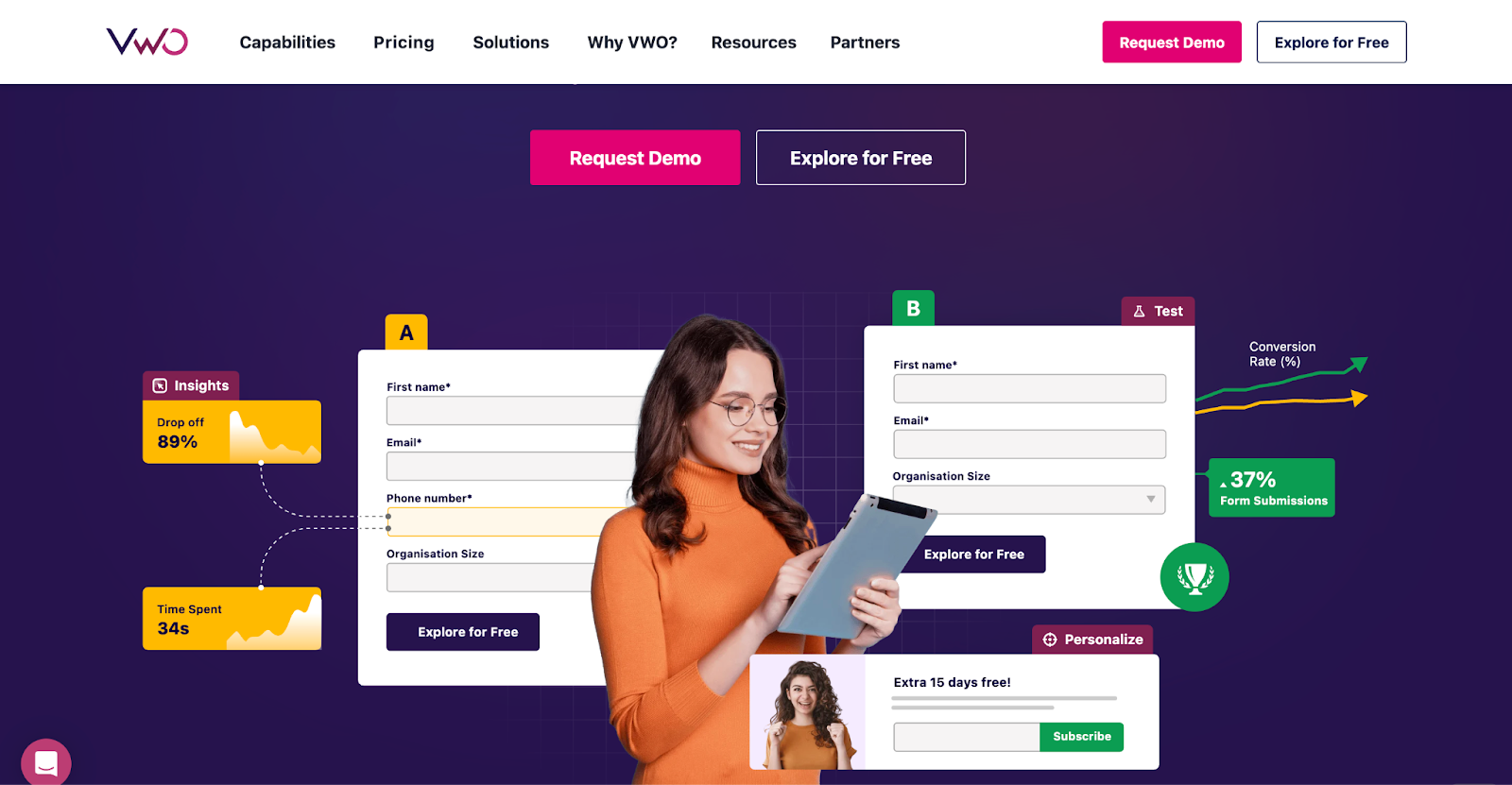
VWO works well when testing needs to move forward without overbuilding the stack. It’s a strong option for teams coming from Google Optimize or stepping away from heavier platforms where setup, cost, or dev dependency slows everything down.
The biggest strength is how behavior insights and testing live together. You can review heatmaps or recordings, spot friction, and turn that into a test without jumping across tools. That keeps CRO practical and helps teams make decisions based on evidence, not opinions.
Where it shines
- Visual editor removes friction for marketers and UX teams running everyday tests
- Heatmaps, recordings, and tests sit in one workflow, which speeds up decisions
- Segmentation by device or traffic source surfaces mobile issues fast
- Support and customer success feel hands-on, especially during onboarding
Trade-offs to know
- Advanced insights and controls sit behind higher plans, so costs rise with complexity
- Visual editor struggles on heavily dynamic or custom pages
- Reporting can feel rigid or slow once datasets grow
- Sales follow-ups and cancellation friction are worth knowing upfront
Pricing
Starter is free for stores under 50,000 monthly tracked users. Growth for under 10,000 monthly tracked users starts at $237 per month billed annually, Pro starts at $570 per month billed annually, and Enterprise scales based on traffic volume and support requirements.
2. AB Tasty
Best for: Teams running continuous experimentation at scale, where marketing speed and engineering control both matter. It rewards teams that commit to experimentation as a long-term system.
Why it fits
AB Tasty sits comfortably between marketing-led CRO and product-led experimentation. It works when teams need to test visual changes fast, while also running deeper server-side or feature-flag experiments without splitting tools. It’s most often in organizations where CRO, product, and engineering all touch experimentation in different ways.
The platform feels built for scale. You can run tests across web, mobile, and apps, personalize journeys, and roll out features progressively, all while keeping risk under control.
Where it shines
- Supports both client-side and server-side testing in one system
- Visual editor and widgets make quick UX tests easy for non-dev teams
- Feature flags and rollouts reduce risk for larger releases
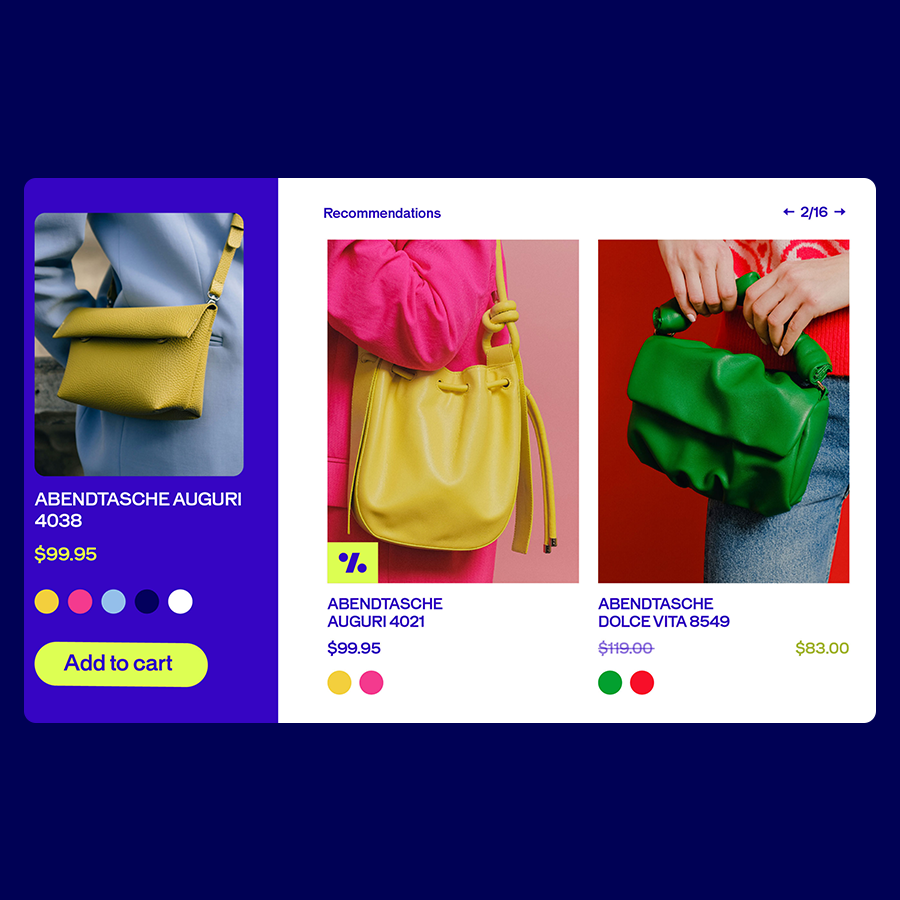
- Personalization and recommendations go beyond surface-level tweaks
- Strong onboarding, training, and ongoing support
Trade-offs to know
- Pricing and setup lean enterprise, smaller teams may feel the weight
- Some areas of the UI take time to learn, especially early on
- Heavier experiments can affect load time if not implemented carefully
- Built-in behavioral analytics feel lighter than dedicated tools
Pricing
No free plan. Pricing is custom and generally starts in the higher hundreds per month. It fits mid market and enterprise budgets more than small stores.
3. Optimizely
Best for: Large, high-traffic organizations where experimentation underpins product delivery and revenue decisions. It rewards mature teams with traffic, engineering resources, and long-term commitment. For smaller teams or CRO-first setups, it can feel heavy and hard to justify.
Why it fits
Optimizely is built for scale and precision. It shines in environments where experiments affect revenue, product logic, or core flows and where mistakes are expensive. The statistical engine is rigorous, the platform handles heavy traffic cleanly, and both client-side and server-side testing live under one roof.
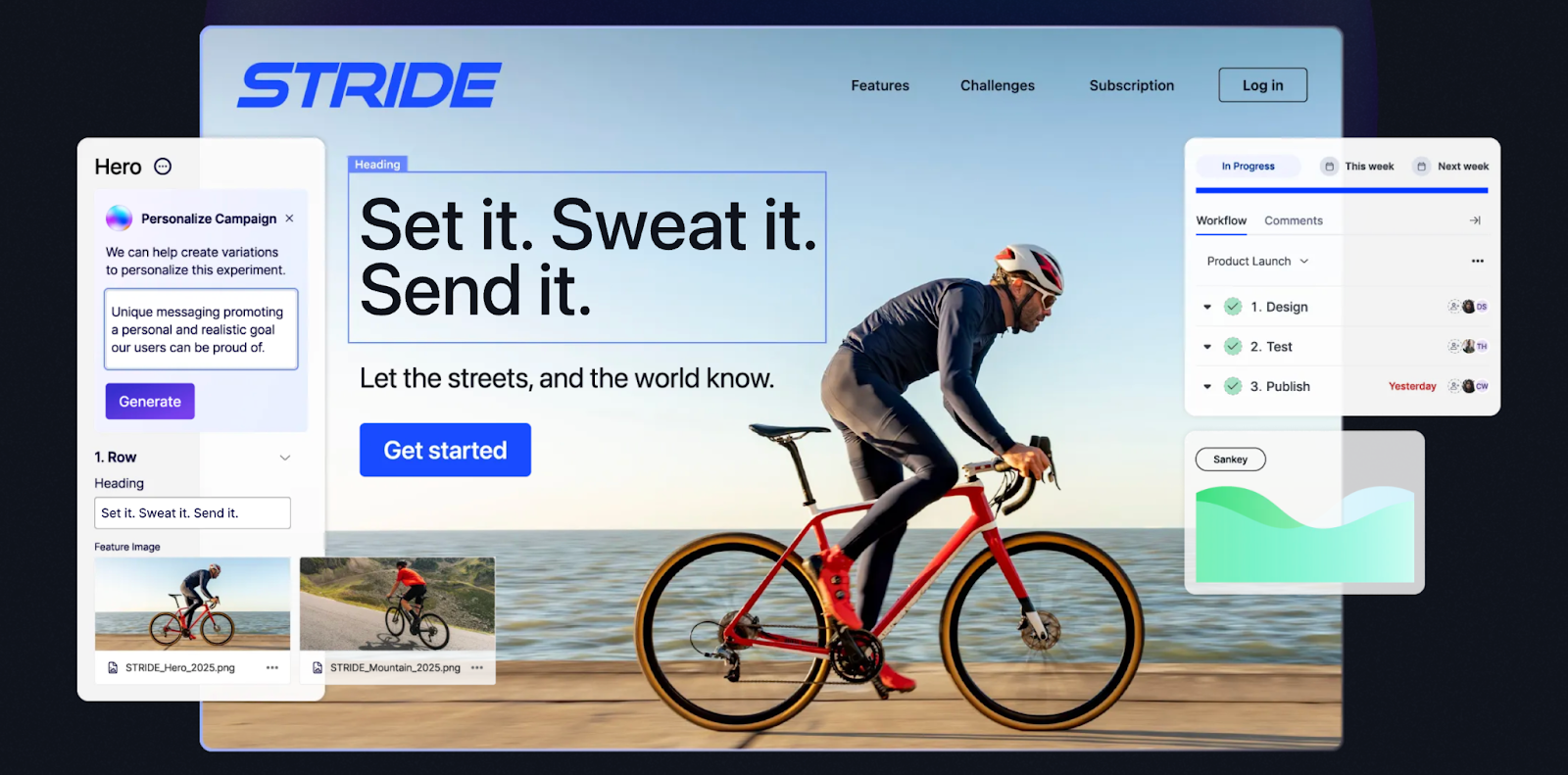
It’s most often in companies where experimentation is owned jointly by product, engineering, and data teams. Feature flags, rollouts, and experimentation are tightly connected, which makes it easier to test safely in production without guessing.
Where it shines
- Extremely robust stats engine with conservative, trustworthy results
- Strong server-side experimentation and feature flagging
- Handles high traffic without performance anxiety
- Deep SDK support across web and mobile
- Integrates cleanly into complex, headless, or custom stacks
Trade-offs to know
- Pricing is firmly enterprise, often five figures annually
- Setup and iteration usually require developer involvement
- Built-in analytics feel limited, data often lives elsewhere
- Audience segmentation and workflows can feel manual
- Support quality varies once contracts are signed
Pricing
No free plan. Enterprise only, with custom quotes that often land in the tens of thousands per year depending on modules and traffic.
Best Heatmap and Session Recording Tools
Heatmaps and session recordings help you see what shoppers actually do on your site instead of guessing. These tools reveal where people hesitate, where they scroll past key content, and where the layout quietly breaks the buying flow.
4. Hotjar
Best for: Teams that need fast, qualitative insight into user behavior before touching experiments or redesigns. It makes sense when you want clarity before action.
Why it fits
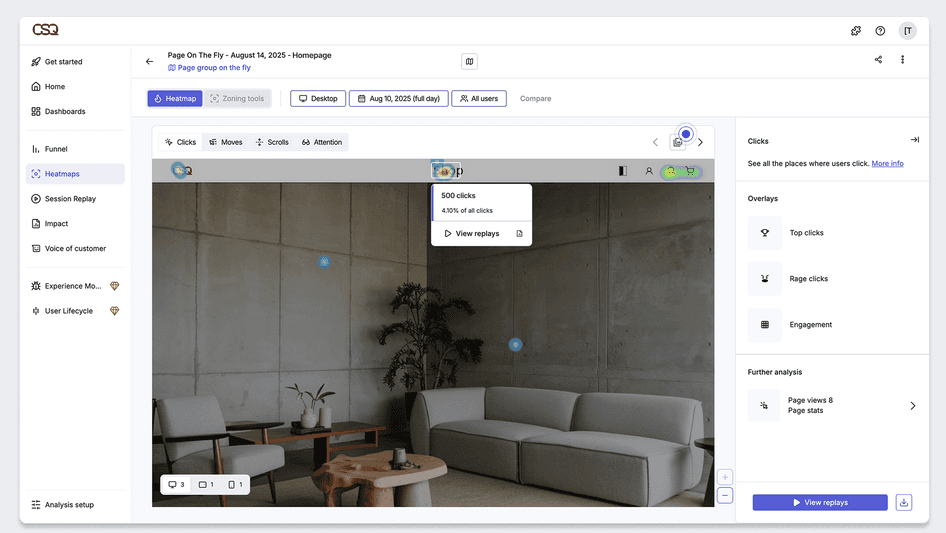
Hotjar is ideal for diagnosing problems, prioritizing hypotheses, and adding human context to analytics. On its own, it doesn’t optimize. Paired with testing tools, it becomes much more powerful. It works best when the question is “what is confusing people here?” rather than “which variant wins.” Heatmaps, session replays, and on-site feedback make user behavior visible in minutes, without heavy setup or analytics work.
Hotjar is most often at the start of CRO work. It helps teams stop guessing and start noticing patterns, missed CTAs, scroll drop-offs, rage clicks, or forms that quietly kill conversions.
Where it shines
- Heatmaps and session recordings surface UX issues quickly
- On-site surveys and polls capture voice-of-customer at the right moment
- Funnels paired with recordings make drop-offs easier to diagnose
- Setup is trivial, works well with Shopify and GTM
- Free plan makes it easy to test value early
Trade-offs to know
- Data is sampled on higher-traffic sites
- Not built for experimentation or statistical validation
- Client-side tracking means some sessions are missed
- Pricing grows fast at scale
- Enterprises often outgrow it and pair with deeper tools
Pricing
Free for up to 20,000 sessions per month. Paid plans start at $49 per month for higher session limits and advanced filters. Pro and Enterprise plans scale for large stores with custom pricing.
5. Microsoft Clarity
Best for: Teams that want unlimited behavior insights without paying for another tool.
Why it fits
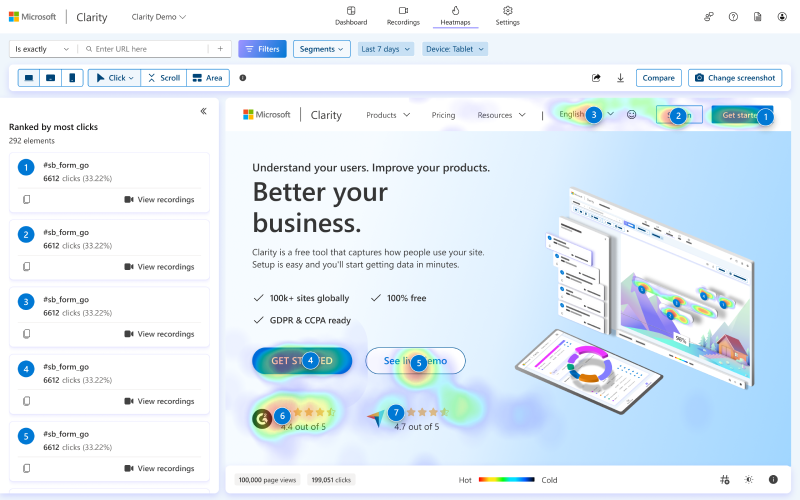
Microsoft Clarity punches far above its price, mainly because there is no price. It gives full access to session recordings and heatmaps with no traffic limits, which makes it an easy yes for budget-conscious teams or anyone who wants a second set of behavioral data alongside GA.
Clarity makes sense as a default layer in almost any stack. It’s ideal for spotting obvious UX problems, validating assumptions, and watching real user behavior at scale. It won’t replace testing or deep analytics, but as a free, always-on insight tool, it’s hard to beat.
It answers simple but critical questions fast, where users rage click, where they stop scrolling, where sessions silently break. The fact that nothing is sampled means patterns show up quickly, even on high-traffic sites.
Where it shines
- Unlimited session recordings and heatmaps, completely free
- Rage clicks, dead clicks, quick backs flagged automatically
- Solid filtering by device, browser, country, behavior
- Native GA4 integration for jumping from metrics to sessions
- Easy setup on Shopify, WordPress, or via GTM
Trade-offs to know
- No surveys or direct voice-of-customer tools
- Funnels and analytics stay fairly basic
- Data processing is delayed, not real-time
- Limited control over custom events or tagging
- Support is self-serve only
Pricing
Completely free, with no traffic limits and no paid tiers.
Best Personalization and Product Recommendation Tools
Most ecommerce stores leave money sitting in the gaps between what shoppers want and what they actually see. Personalization tools close that gap. They shape product recommendations, on-site messaging, and dynamic layouts so every visitor gets a shopping experience that feels built for them.
6. Dynamic Yield
Best for: Large retailers with rich data and big catalogs that want deep personalization baked into the shopping experience.
Why it fits
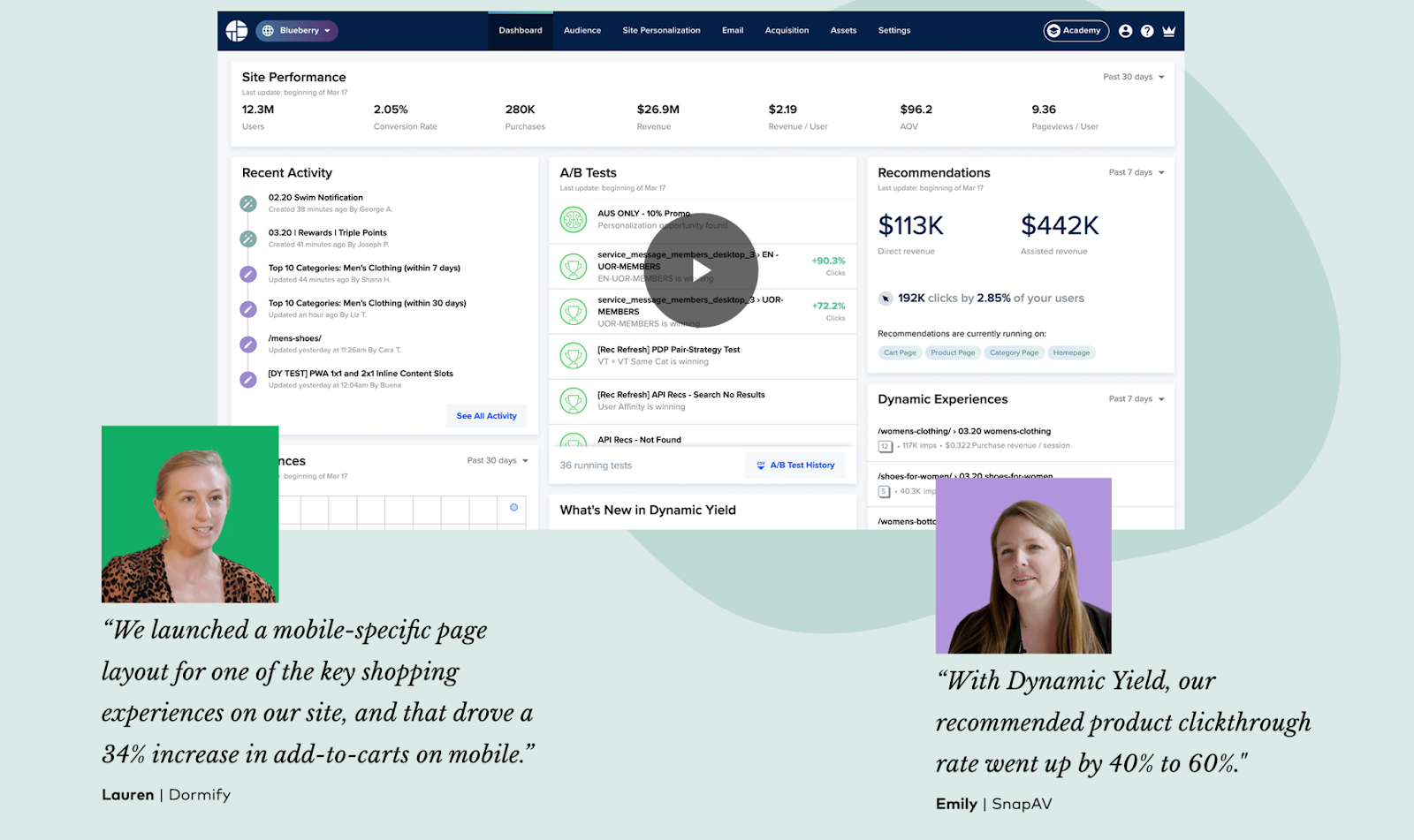
Dynamic Yield is built for relevance at scale. It’s the kind of tool you use when personalization is no longer a “nice upgrade” and starts driving real revenue. Product recommendations, personalized banners, triggered offers, even pricing or content logic can all adapt based on who the shopper is and what they’ve done.
What stands out is control. You can let the algorithm optimize automatically, or you can step in and define rules, priorities, and tests yourself. That flexibility matters when teams want both AI-driven decisions and human oversight.
Where it shines
- Powerful recommendation engine across PDPs, PLPs, carts, and emails
- Deep targeting based on behavior, location, device, traffic source
- Built-in experimentation for testing algorithms and strategies
- Works across web, mobile, email, and other channels
- Handles large catalogs and complex data feeds well
Trade-offs to know
- Enterprise pricing puts it out of reach for smaller teams
- Setup and customization usually require developer support
- Learning curve is real, especially with many options available
- Strong QA is needed to avoid conflicting experiences
Pricing
Enterprise only. Custom contracts that sit in the tens of thousands per year.
Integrations
Deep support for Shopify Plus, Magento, Salesforce Commerce Cloud, ESPs, CRMs, and API based setups.
7. Nosto
Best for: Mid-market ecommerce teams, especially Shopify and Shopify Plus brands that want personalization without heavy setup. Ideal for fashion, beauty, and lifestyle stores aiming for higher AOV and better discovery without committing to enterprise platforms.
Why it fits
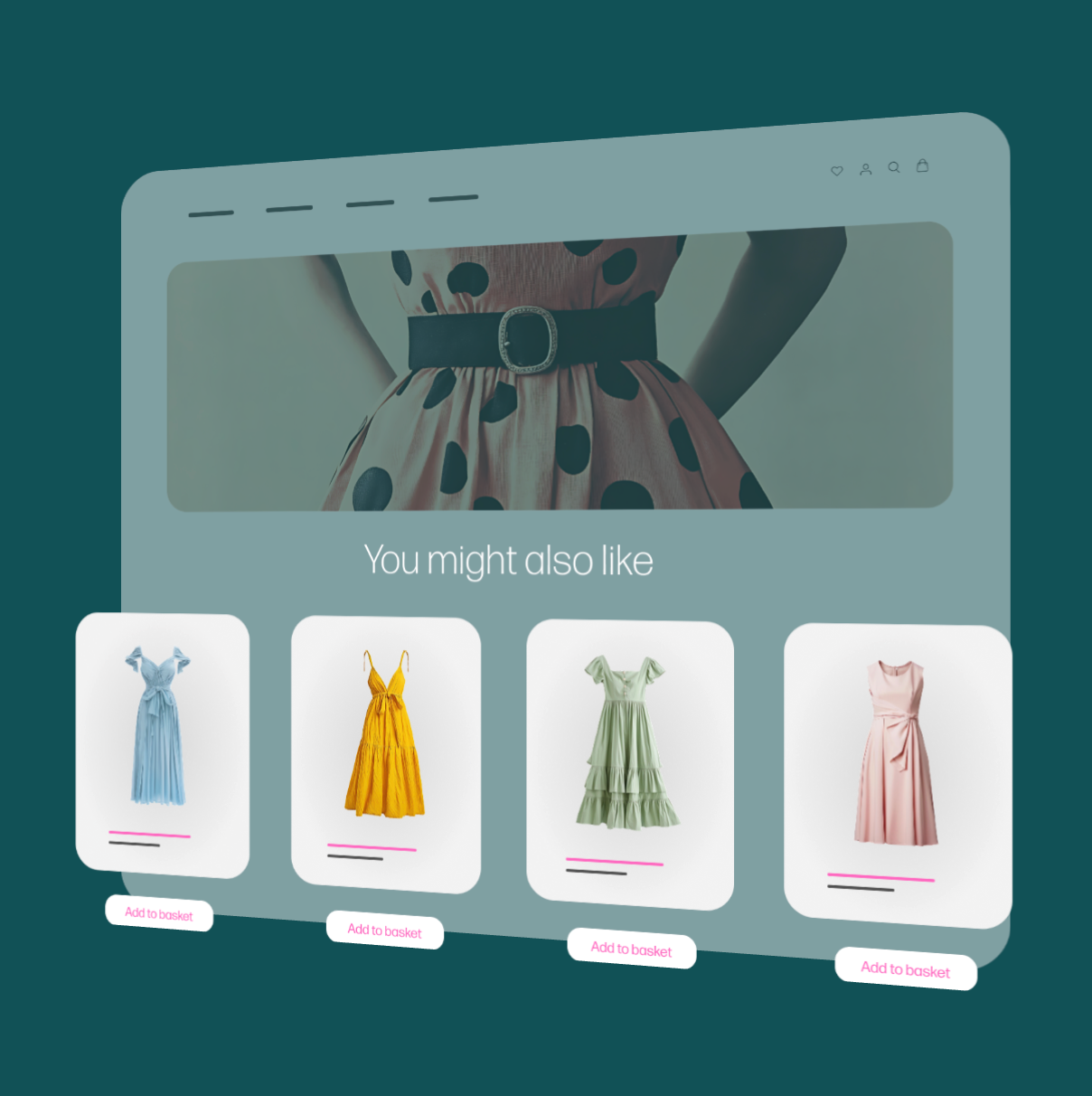
Nosto sits in a sweet spot between basic recommendations and enterprise-level complexity. It lets teams roll out personalized product carousels, dynamic sorting, pop-ups, and homepage content fast, without pulling in developers for every change. The UI is marketer-friendly, templates are practical, and most things work out of the box.
Nosto makes sense for brands doing real volume that want personalization to “just work.” If your team is small and speed matters, Nosto is a strong pick.
Where we see Nosto shine is speed to value. You can launch “Recommended for you,” upsells, or personalized category pages quickly and start learning what actually moves AOV or conversion. The recommendation engine uses real ecommerce signals like views, carts, purchases, and adapts toward revenue or conversion goals.
Where it shines
- Deep Shopify integration, fast setup, minimal dev work
- Strong product recommendations across PDPs, PLPs, and carts
- Personalized merchandising and category sorting
- Built-in A/B testing for recommendation strategies
- Clean UI that non-technical teams can actually use
Trade-offs to know
- Personalization focuses mainly on on-site experiences
- Segmentation and logic feel lighter than enterprise tools
- Pricing scales with traffic and revenue, costs rise as you grow
- Outside Shopify, setup can take more effort
Pricing
Custom quotes tied to traffic or sales volume. Typically in the hundreds, sometimes low thousands per month for mid sized stores.
Integrations:
Deep native app for Shopify and Shopify Plus, plus solid support for Magento, BigCommerce, WooCommerce, Shopware, Klaviyo, Omnisend, and custom API setups.
Onsite Engagement and Guided Selling Tools
These tools step in when shoppers need a nudge. They reduce decision fatigue, surface the right products, and keep people moving through the funnel instead of wandering off.
8. OptiMonk
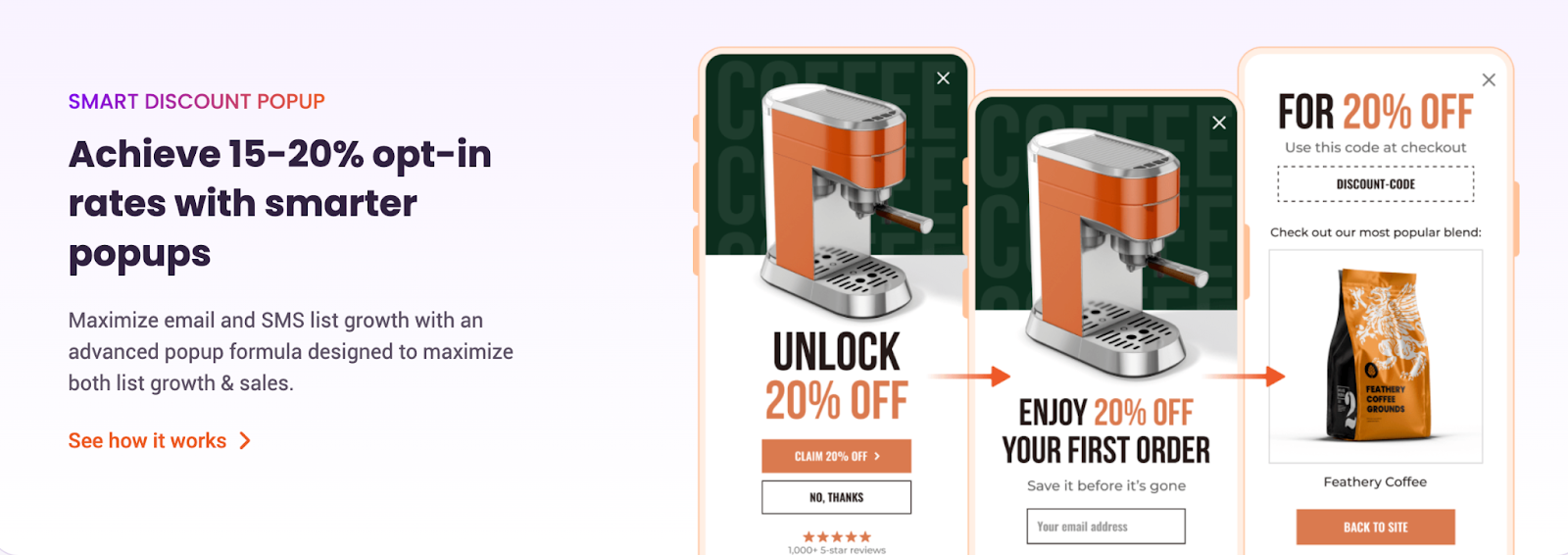
Best for: Ecommerce teams that want aggressive but controlled on-site CRO, popups that actually convert, and fast wins without breaking UX. It’s ideal for Shopify and mid-market ecommerce brands wanting better list growth, fewer abandoned carts, and measurable revenue impact.
Why it fits
OptiMonk is built for moments that matter. Exit intent, cart abandonment, list building, upsells, seasonal promos, gamification. It shines when the goal is to catch attention at the right second, with the right message, and push a real action.
What stands out is how much control you get without needing dev help. Used thoughtfully, it becomes one of the fastest ROI tools in the stack. You can launch campaigns fast, personalize them by behavior, cart value, or traffic source, and test offers, layouts, and logic properly. This goes way beyond basic email capture popups.
Where it shines
- Strong exit-intent and cart-based targeting
- High-performing list building for email and SMS
- Smart discounts with unique codes and auto-apply
- A/B testing focused on revenue, not vanity metrics
- Gamified formats like spin-to-win that actually get used
- Smooth integrations with Shopify, Klaviyo, HubSpot, and more
Trade-offs to know
- Advanced logic takes time to fully master
- Pageview-based pricing can add pressure on high-traffic sites
- Deep customization sometimes needs workarounds
- Popup-heavy strategies still need UX discipline
Pricing
Free plan covers 10,000 pageviews, then paid plans start at $19/month, with higher tiers scaling to $69 and $179 based on pageviews and advanced features.
9. Octane AI
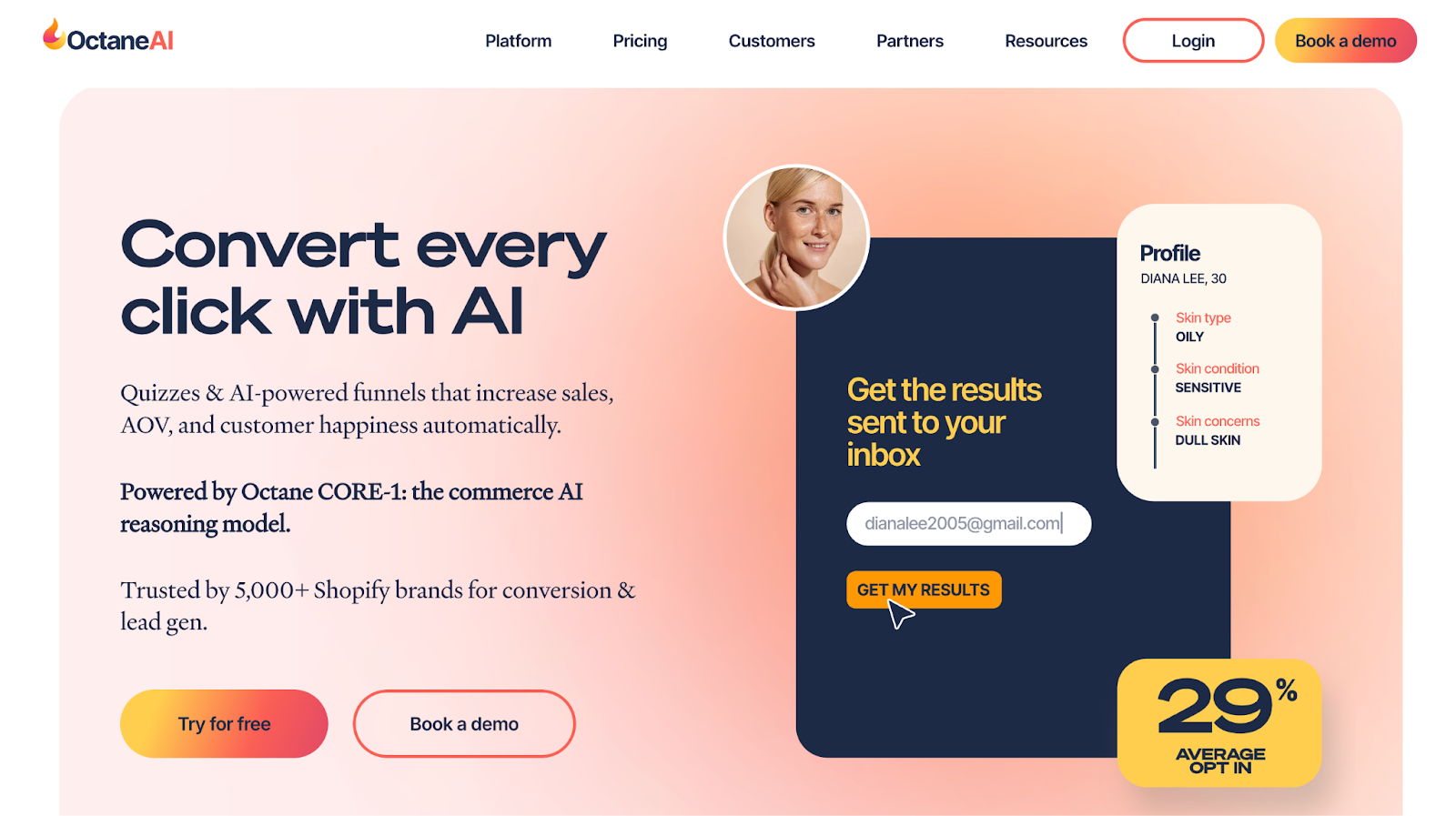
Best for: Shopify brands that want zero-party data, better segmentation, and product discovery that actually reduces decision paralysis. Beauty, supplements, wellness, fashion, anything with fit, routine, or preference questions.
Why it fits
Octane AI is all about letting customers tell you what they want, then using that data everywhere else. The core value sits in quizzes. Not fluffy ones, but structured, conversion-focused flows that guide shoppers to the right product while quietly building insanely valuable profiles in Klaviyo, SMS tools, and CRMs.
What I like is how naturally it plugs into the funnel. If ads are expensive and post-click conversion matters, this tool earns its spot. Traffic hits a quiz, shoppers feel guided instead of sold to, and you walk away with preferences, objections, and intent. That data keeps paying off long after the first session, especially for email and SMS personalization.
Where it shines
- High-performing product recommendation quizzes
- Strong zero-party data capture for email and SMS
- Deep Shopify and Klaviyo integration
- Smart segmentation via quiz answers and properties
- Great for complex catalogs or choice-heavy products
- Fast iteration once the quiz is live
Trade-offs to know
- Pricing adds up fast as usage grows
- Advanced setups can feel overwhelming at first
- Design flexibility has limits compared to custom builds
- Overkill for very small catalogs
Pricing
Basic starts at $50 for 200 engagements, Plus at $200 for 1,500 engagements, and Enterprise begins around $500 with an account manager and expanded features.
Cart Abandonment and Recovery Tools
Cart abandonment is the silent thief of ecommerce revenue, and recovery tools are the only thing that consistently pulls those near purchases back from the edge. These tools jump in when shoppers hesitate, send the right reminder at the right moment, and turn almost orders into actual orders.
10. Klaviyo
Best for: Ecommerce brands that treat email and SMS as revenue channels. If retention, LTV, and lifecycle marketing matter, it earns its reputation, with discipline required to keep costs and complexity under control.
Why it fits
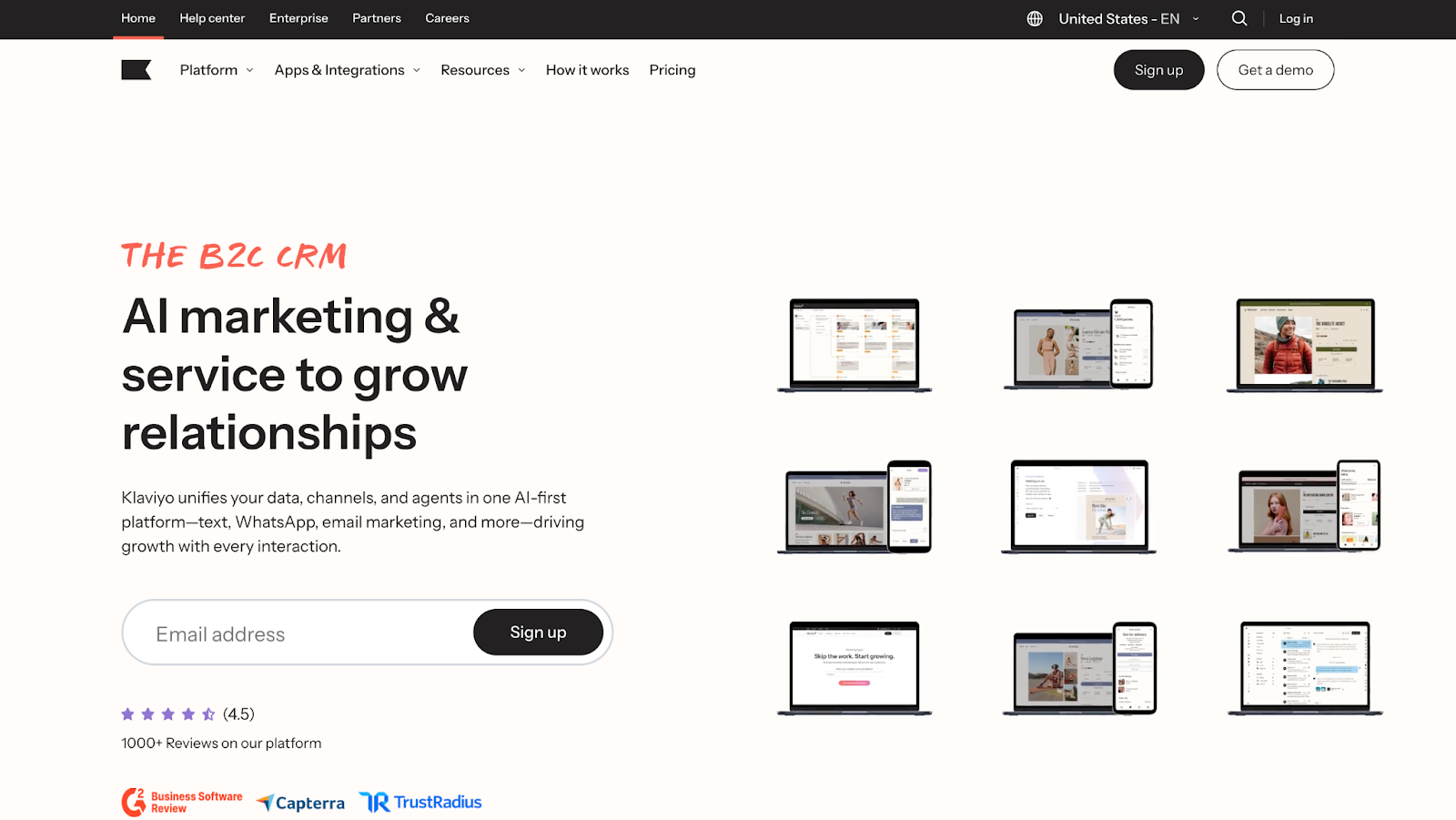
Klaviyo is the backbone for retention once a store gets serious. It pulls in behavioral, transactional, and product data and lets me act on it fast. Browse, view, add to cart, purchase, churn risk, LTV, all usable without duct tape.
Klaviyo makes sense once email drives meaningful revenue. For early-stage stores, it can feel heavy and expensive.
What keeps brands on Klaviyo is the depth. Segmentation goes way beyond basics, flows can get complex quickly, and integrations with Shopify, Meta, reviews, and CRO tools make it feel like the center of the stack.
Where it shines
- Advanced segmentation tied to real ecommerce events
- Powerful automation for abandoned cart, post-purchase, winback
- Strong email + SMS performance when list hygiene is solid
- Deep Shopify integration out of the box
- Scales well for mid to large stores
- Huge ecosystem of apps and agencies
Trade-offs to know
- Pricing climbs fast as profiles grow
- Paying for inactive or bot profiles hurts
- UI can feel cluttered and slow at scale
- Learning curve is real for beginners
- Support often defaults to AI and tickets
Pricing
Free for up to 250 contacts and 500 emails per month. Paid plans start around $20 for small lists and scale with your subscriber count and SMS usage.
11. Omnisend
Best for: Small to mid-size ecommerce brands that want solid email and SMS performance without Klaviyo-level cost or complexity.
Why it fits
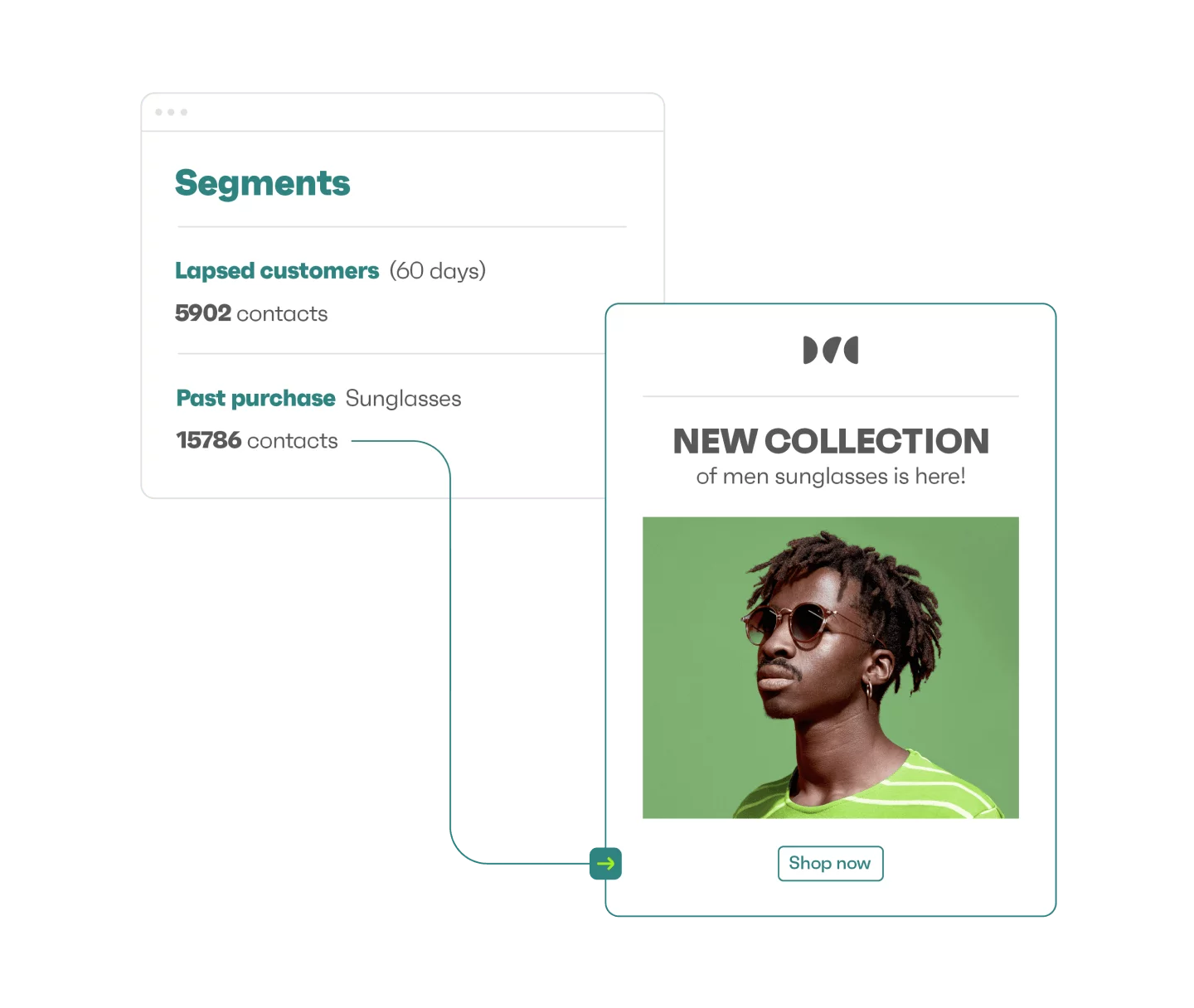
Omnisend feels built for teams that want things to work without babysitting the platform. Setup is fast, flows are pre-built, and most core ecommerce automations go live without deep strategy sessions or weeks of tweaking. Welcome, abandoned cart, post-purchase, product follow-ups, all there, ready to run.
It makes sense when speed, simplicity, and cost control matter more than extreme customization. It’s a strong step up from basic tools and a realistic alternative to Klaviyo for many stores. If email and SMS should drive revenue without becoming a full-time job, Omnisend is an easy yes.
What stands out is how approachable it is. You can move quickly, build campaigns in under an hour, and not feel like you need a dedicated retention manager to keep things running. Email and SMS live in one place, which keeps execution simple and consistent.
Where it shines
- Strong value for money, especially early and mid-stage
- Clean UI and fast campaign creation
- Email + SMS bundled without heavy setup
- Solid Shopify and WooCommerce integration
- Pre-built automations that cover most ecommerce needs
- Support that actually responds and helps
Trade-offs to know
- Less depth in segmentation and analytics
- Design flexibility can feel limited
- SMS pricing varies a lot by country
- Advanced use cases hit ceilings faster
- Occasional bugs in forms or templates
Pricing
Free plan up to 250 contacts and 500 emails per month. Paid plans start around $16 for small lists, scaling with contacts and SMS usage. It usually lands cheaper than Klaviyo at the same list size.
Conclusion
CRO stops feeling overwhelming the moment your tool stack starts working with you instead of drowning you in noise. The platforms in this guide cover the essentials for clear behavioral insights, fast testing, sharper personalization, and better recovery for the moments shoppers bail at the last second.
The right stack will look different for every store. Brands with steady traffic can lean into A/B testing. Smaller teams get more value from heatmaps, session recordings, and simple funnels. Stores with complex catalogs benefit from smarter personalization. Everyone needs page speed, clean UX, and a cart recovery system that does not sleep.
Start with the leaks you already see. Pick the tools that answer those problems first. As conversions rise and your traffic grows, layer in the more advanced pieces.
CRO is a rhythm of watching, fixing, testing, and improving. The right tools make that rhythm easier, and when the system clicks, your store finally feels like it is built to scale instead of holding you back.
[[cta5]]



.avif)


.avif)